
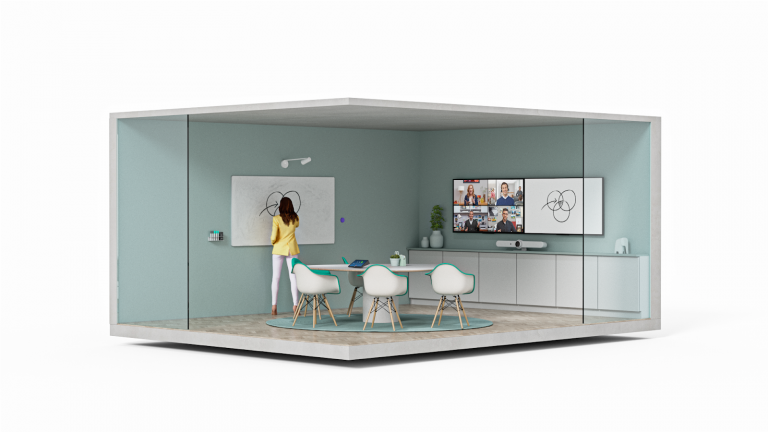
Zoom’s whiteboarding technology allows collaboration from the desktop and mobile apps, but did you know that whiteboarding functionality in Zoom Rooms also support hybrid teams? Our Zoom Rooms solutions bring together virtual and in-person participants so that they can work productively from anywhere. Here are some examples of how you can combine Zoom’s digital and traditional whiteboarding technologies to support all of the different ways – and places – people collaborate.
Digital whiteboarding
Zoom Rooms provide a great experience for any participant. Now anyone can start a meeting and an intuitive user interface on meeting controller,having whiteboard session or callobrative Zoom meeting. Zoom Rooms for Touch and Companion Whiteboard are two ways to add a digital whiteboard experience to your conference room or classroom.
Zoom Rooms for Touch
Consider Zoom Rooms for Touch for your whiteboard needs if you do not have a video conferencing solution in the room. These 55-inch (or bigger) touchscreen appliances from hardware partners likes Neat, DTEN, Aver, Avocor, and others provide an integrated camera, speaker, and microphone, as well as the feature-rich Zoom Rooms platform, which enables all of Zoom’s incredible meeting features. You can get the same effect by connecting any USB touchscreen display to a Zoom Rooms PC running Windows.
Companion Whiteboard
Let’s try a Companion Whiteboard , which doesn’t need any additional licence. Simply tap the screen to start a local whiteboard session or a digital whiteboard session over Zoom as long as you have power and a network connection to any Zoom Rooms for Touch device. It is also can be use in a large Zoom Room when you want to collaborate form an interactive display in another part of the room.
Any shared content in the Zoom Rooms will also show on the Companion Whiteboard to provide a more immersive content experience. We have even seen our customers put the Companion Whiteboard on a cart so they can move it around the classroom or conference space!
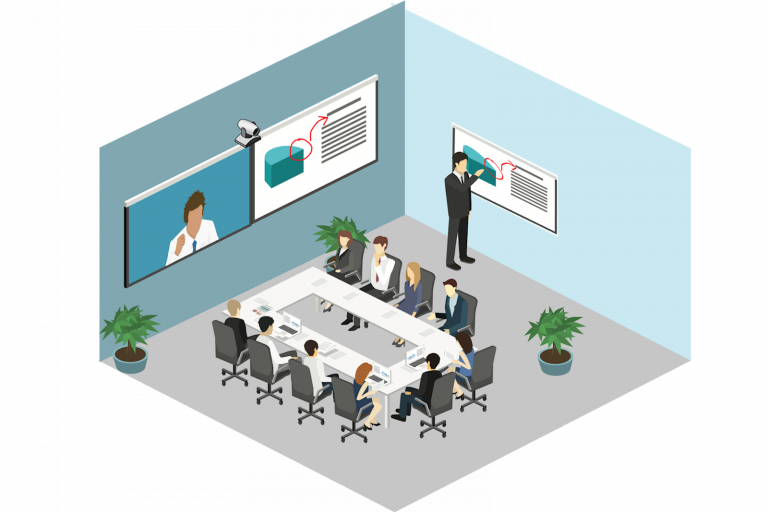
Traditional Whiteboarding
Here are three whiteboard camera solutions for your Zoom Rooms that can be use for physical and digital tools for a sleek hybrid whiteboard experience ;
Logitech Scribe
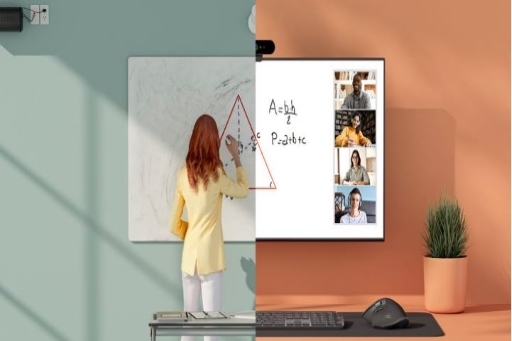
Logitech Scribe is an AI-powered performance, Scribe’s built-in AL delivers a transparency effect, allowing participants to see “through” the presenter for an unobstructed view of the whiteboard.Scribe comes with a physical button that you can stick anywhere in the room and press to start the whiteboard session in Zoom Room.It is really an easy way to bring your whiteboard session into Zoom which is it will directly detect your sticky notes,too!
Jabra PanaCast 50
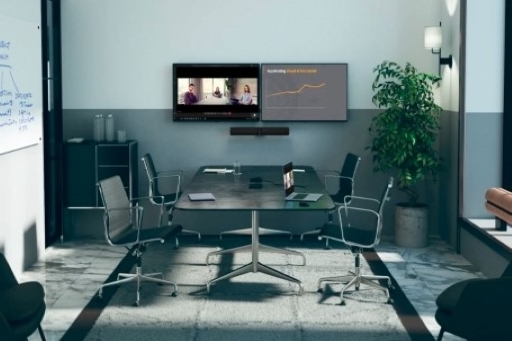
Jabra’s Panacast 50 solution features three 13-megapixel cameras, mounted in a high-precision and multi- camera array. The Panacast 50’s streaming functionality digitally captures whiteboard content from every part of the room and automatically adjusts the image to look clear on whiteboard right into your Zoom session.
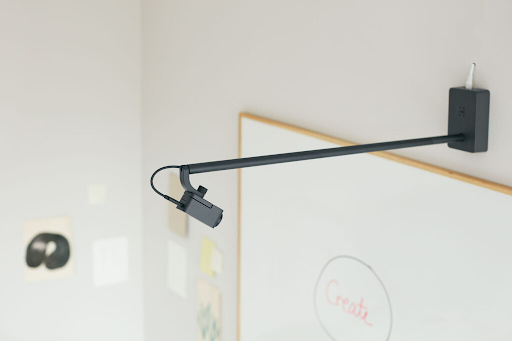
Huddly Canvas
With the right tools, teams don’t need to be in the same room to get things done.So, you can create ideas and solve problems together, in anywhere. Canvas whiteboard camera solution also can hide the presenter’s hand from the image to keep the audience focus to discussion and makes this intuitive tool available to remote teams without requiring them to gain knowledge about new technology. For best experience, it is integrated with Zoom Rooms and Microsoft Teams Rooms.
Zoom’s whiteboarding technology allows collaboration from the desktop and mobile apps, but did you know that whiteboarding functionality in Zoom Rooms also support hybrid teams? Our Zoom Rooms solutions bring together virtual and in-person participants so that they can work productively from anywhere. Here are some examples of how you can combine Zoom’s digital and traditional whiteboarding technologies to support all of the different ways – and places – people collaborate.
Talk to Bintara’s Video Conferencing Specialist today if you need additional information, help or advice to set up your meeting room.