Hospitals, clinics, laboratories, and healthcare providers rely on technology that must remain available across departments, facilities, and working hours.
When a device or application becomes unavailable, delays can affect administrative, operational, and support workflows.
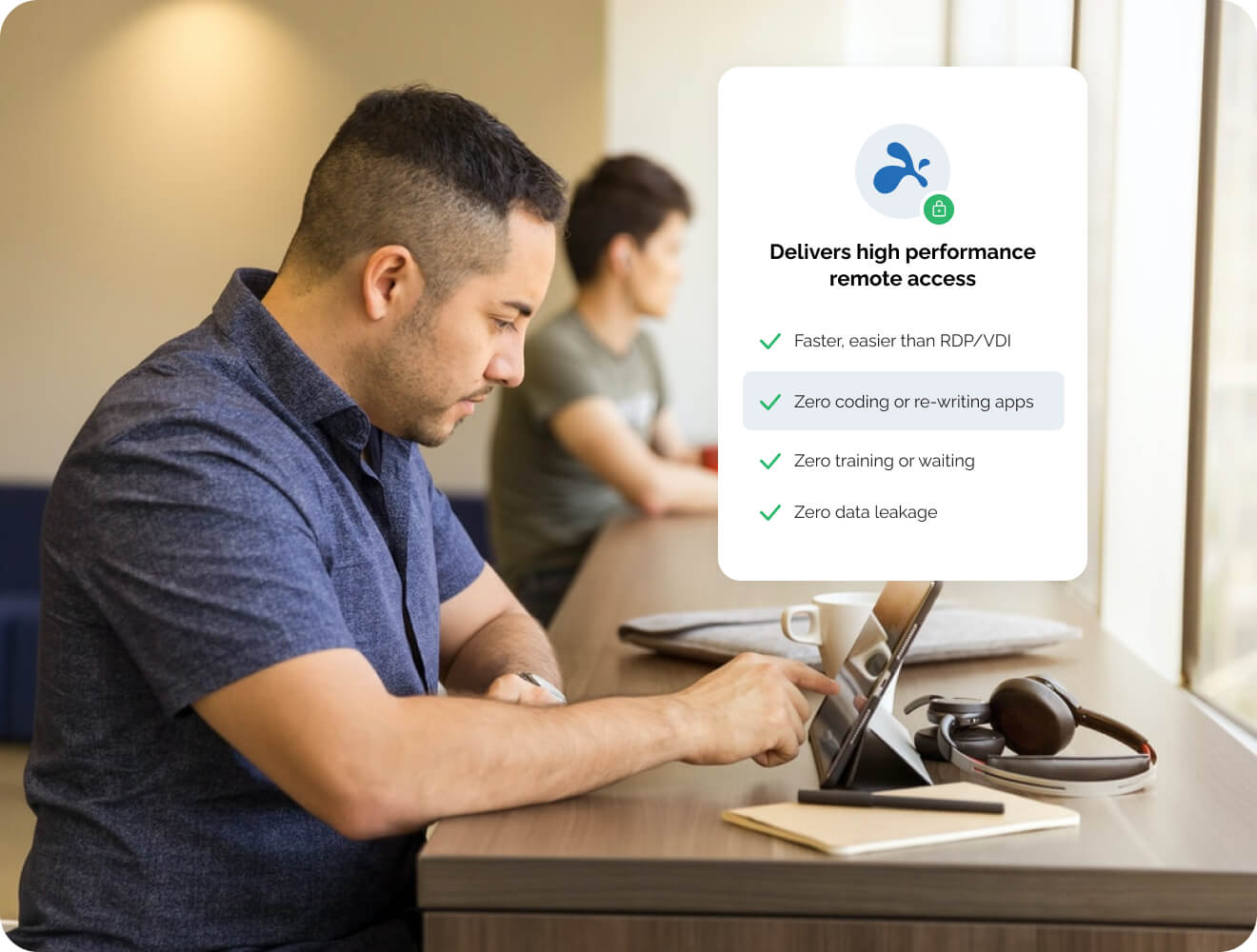
Splashtop for Healthcare helps authorized employees and IT teams securely access and support systems without requiring physical access to every device. Splashtop provides remote access and remote support capabilities designed to meet advanced business and security requirements.
Remote Access for Authorized Healthcare Employees
Healthcare staff may need access to work computers while operating from another facility, administrative office, or approved remote location.

With Splashtop for Healthcare, authorized users can securely access applications that remain installed on managed organizational computers.
Access should always align with the organization’s cybersecurity, privacy, and governance policies.
Common use cases include:
- Administrative system access
- Patient scheduling platforms
- Finance and HR applications
- Laboratory management systems
- Operational workstations
- Authorized remote work scenarios
Learn more about Splashtop Remote Access.
Remote Support for Healthcare IT Teams
IT support teams frequently assist:
- Administrative personnel
- Finance and human resource departments
- Clinic reception staff
- Laboratory personnel
- Remote branches
- Approved operational workstations
- Devices used by travelling employees
Splashtop for Healthcare enables technicians to investigate many software and configuration issues remotely, reducing the need to travel between facilities.
Unattended access capabilities can also support approved maintenance activities when users are unavailable.
Explore Splashtop Remote Support.
Centralized Access Controls
Healthcare organizations need clear visibility into who can access specific systems and devices.
Splashtop for Healthcare can support centralized access management through:
- Computer assignments to approved groups
- Separation of administrative and technical roles
- Contractor access controls
- Scheduled access windows
- Session logging
- Account lifecycle management
- Integration with supported identity platforms
According to Splashtop Enterprise, the platform provides centralized management, role-based access controls, and identity integration capabilities.
Security and Compliance Considerations
Security remains a critical requirement in healthcare environments.
Organizations should evaluate:
- Data privacy requirements
- Access control policies
- Session logging requirements
- Authentication methods
- User lifecycle management
- Third-party access controls
- Compliance requirements
According to Splashtop Enterprise and the Splashtop 2026 Booklet, Splashtop supports features such as encryption, multi-factor authentication, single sign-on integration, and compliance-related security controls. The materials also reference frameworks and standards including ISO 27001 and SOC 2.
Purchasing technology alone does not make an organization compliant. Policies, configurations, governance processes, and operational controls must also be considered.
Questions to Consider Before Deployment
Before implementing Splashtop for Healthcare, organizations should evaluate:
- Which employees require remote access?
- Which devices can be accessed remotely?
- Will third-party vendors receive access?
- Is SSO required?
- Is session recording required?
- How long should activity logs be retained?
- Are there restricted departments or devices?
- Is cloud deployment acceptable?
- Is an on-premises deployment required?
- Who will review access activity?
Answering these questions helps ensure deployments align with organizational security and governance objectives.
Splashtop for Healthcare at a Glance
| Healthcare Requirement | Splashtop Benefit |
|---|---|
| Secure Remote Access | Access approved systems from authorized locations |
| Multi-Facility Operations | Support users across hospitals and clinics |
| IT Help Desk Support | Faster remote troubleshooting |
| Access Governance | Centralized permissions and controls |
| Security Requirements | MFA, encryption, SSO, and logging |
| Operational Efficiency | Reduced travel for routine support tasks |
Helpful Splashtop Resources
Splashtop Remote Access
Explore secure remote access solutions for employees, administrators, and distributed teams.Splashtop Enterprise
Learn about enterprise-grade remote access, centralized management, advanced security controls, and remote support capabilities.Splashtop Remote Support
Discover attended and unattended remote support capabilities for IT service teams.Splashtop High-Performance Features
Review advanced functionality including multi-monitor support, high-performance remote sessions, and low-latency access.
Discuss Your Healthcare Remote Access Requirements
Healthcare organizations require secure, reliable, and manageable remote access capabilities.
Splashtop for Healthcare helps hospitals, clinics, laboratories, and healthcare providers support authorized users, improve IT responsiveness, and strengthen access management across distributed environments.
BINTARA can help identify technical requirements, evaluate suitable Splashtop plans, and plan a controlled pilot deployment.
