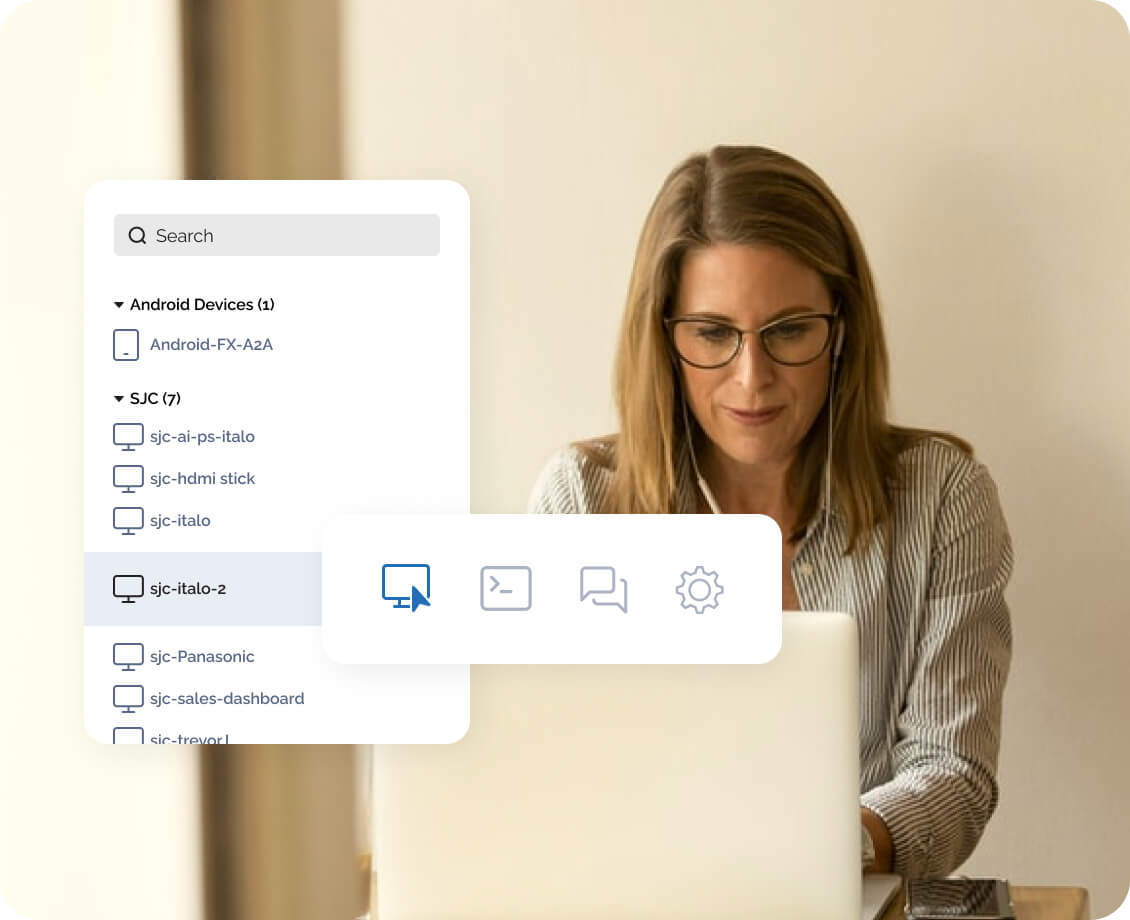
Splashtop for Education: Remote Access for Labs and Campuses

Splashtop remote control for labs and distance education

Educational institutions manage computer labs, teaching facilities, administrative systems, and devices distributed across multiple campuses.

Providing physical access to every computer is not always practical.

Splashtop for Education helps schools, colleges, and universities provide authorized remote access to campus computers while enabling IT teams to support users across different locations. Splashtop offers remote access and remote support solutions designed for organizations that need secure access to devices from anywhere.

Remote Access to Computer Laboratories

Students and lecturers often need access to applications that are only available on institution-owned computers.

With Splashtop for Education, authorized users can remotely access assigned laboratory computers from another location, subject to institutional policies and software licensing requirements.

Common use cases include:

  • Engineering applications
  • Statistical analysis software
  • Design and creative applications
  • Programming environments
  • Research workstations
  • Specialist academic software

This makes remote computer lab access possible even when users cannot physically visit campus.

Learn more about Splashtop Remote Access.

Support Hybrid Teaching and Learning

Hybrid education models require greater flexibility.

Lecturers may need to access campus computers while working from home or another campus location. Students may also need controlled access to laboratory resources outside normal operating hours.

Splashtop for Education supports these scenarios by enabling remote access to authorized systems while allowing institutions to define access schedules and permissions.

This helps extend access to educational resources without expanding physical lab hours.

Remote IT Support Across Campuses

Educational IT departments frequently support:

  • Faculty computers
  • Administrative devices
  • Computer laboratories
  • Library workstations
  • Research equipment
  • Remote campuses
  • Staff working from home

Using Splashtop for Education, IT teams can investigate many software and configuration issues without travelling between buildings or campuses.

This can improve response times while reducing support overhead.

Explore Splashtop Remote Support.

Centralized User and Device Management

Large educational environments often need to manage thousands of users and endpoints.

For example:

  • Students by faculty
  • Lecturers by department
  • Laboratory computers by campus
  • Administrative users
  • External researchers
  • IT technicians

Splashtop for Education can support centralized administration by organizing users and devices into groups and assigning permissions based on institutional requirements. Splashtop Enterprise includes centralized management capabilities and access controls.

Security Considerations

Educational institutions should evaluate:

  • Student account lifecycle management
  • Lecturer and staff access controls
  • Shared laboratory computers
  • Session scheduling
  • Data privacy requirements
  • Session logging
  • External researcher access
  • Single sign-on (SSO)
  • Removal of inactive users

According to Splashtop Enterprise, enterprise deployments can support centralized authentication, SSO integration, access controls, and administrative management.

For institutions with multiple campuses or large user populations, these capabilities can be important components of a secure Splashtop for Education deployment.

Plan a Splashtop for Education Deployment

Before deployment, institutions should assess:

  • Number of students and staff
  • Number of laboratory computers
  • Concurrent access requirements
  • Operating systems
  • Campus network requirements
  • IT technician requirements
  • Authentication and SSO
  • Access schedules
  • Pilot deployment requirements

Understanding these requirements helps ensure the selected solution aligns with both academic and operational needs.

Splashtop for Education at a Glance

Education RequirementSplashtop Benefit
Remote Computer Lab AccessAccess campus workstations from anywhere
Hybrid LearningSupport students and lecturers remotely
Multi-Campus SupportCentralized remote access and support
IT Help Desk OperationsFaster troubleshooting and assistance
User ManagementCentralized permissions and access controls
Security RequirementsAuthentication, SSO, and administrative oversight

Helpful Splashtop Resources

Discuss Splashtop for Education with BINTARA

Educational institutions increasingly require secure access to campus resources from anywhere.

Splashtop for Education helps schools, colleges, and universities enable remote computer lab access, support hybrid learning, and improve IT service delivery across campuses.

BINTARA can help assess student, staff, device, security, and deployment requirements to identify the most suitable Splashtop solution for your institution.