Remote IT Support vs On-Site Support: When Should You Use AnyDesk?

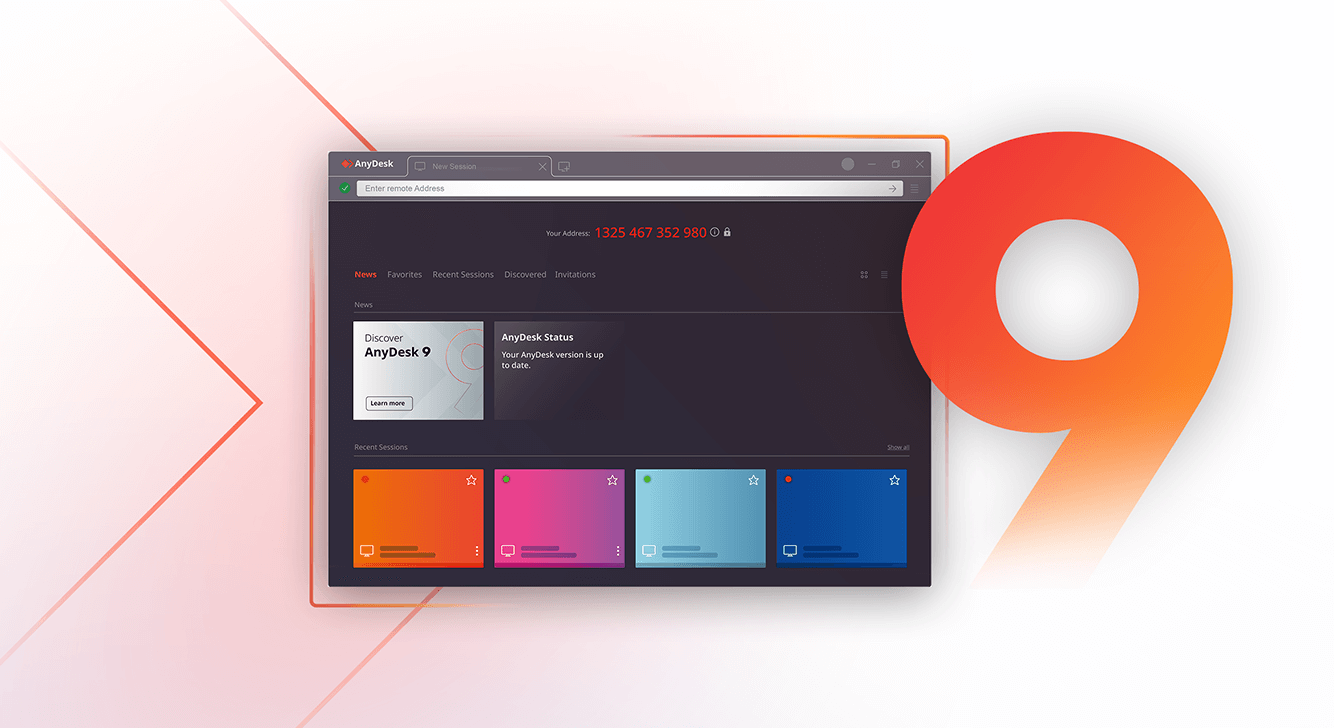
AnyDesk remote support v9

Not Every IT Problem Requires a Technician to Travel

When employees report IT issues, many organizations automatically arrange an on-site visit.

However, the problem may involve:

  • Incorrect software settings
  • User account configuration
  • Application errors
  • Printer configuration
  • File access issues
  • Software installation
  • Operating system settings
  • User training
  • Collection of diagnostic information

Many of these issues can be assessed and resolved through AnyDesk remote support before an on-site visit is considered.

Using AnyDesk Remote Access, authorized technicians can securely access devices, transfer files, review configurations, and troubleshoot technical issues without needing to travel to the user’s location.

What Is Remote IT Support?

Remote IT support allows technicians to connect to a user’s device from another location through a secure and approved session.

During a remote support session, the technician may:

  • View the user’s screen
  • Operate the mouse and keyboard with permission
  • Review system settings
  • Diagnose software issues
  • Transfer approved files
  • Guide the user through troubleshooting steps
  • Collect relevant logs
  • Determine whether an on-site visit is necessary

With AnyDesk Remote Support Solutions, organizations can provide fast technical assistance while reducing delays associated with travel.

What Is On-Site IT Support?

On-site support requires a technician to be physically present at the affected location.

This remains important when the issue involves:

  • Failed hardware
  • Physical network cabling
  • Power supply problems
  • Device replacement
  • Installation of physical equipment
  • Damage to computers or peripherals
  • Server room maintenance
  • Devices that cannot start
  • Situations where remote access is unavailable

When comparing remote support vs on-site support, it is important to understand that remote support complements on-site support rather than replacing it entirely.

Advantages of AnyDesk Remote Support

Faster Initial Response

A technician can often begin investigating shortly after the support request is verified.

Reduced Unnecessary Travel

If an issue can be resolved remotely, the technician does not need to travel to the affected location.

Better Support for Multiple Branches

Organizations with several offices can use AnyDesk to provide centralized support without maintaining dedicated IT personnel in every location.

More Effective Troubleshooting

Remote diagnosis helps determine whether a problem relates to software, configuration, hardware, or connectivity before an on-site technician is dispatched.

Support for Hybrid Employees

Remote access helps IT teams assist remote workers, travelling employees, and smaller branch locations efficiently.

For organizations seeking to reduce IT support downtime, this can lead to significant operational improvements.

When Should You Escalate to On-Site Support?

Organizations should establish clear escalation criteria.

An on-site visit may be required when:

  • The endpoint cannot connect to the network
  • The computer cannot start
  • Hardware replacement is necessary
  • Physical inspection is required
  • The issue affects building infrastructure
  • Security policies prohibit remote resolution
  • Remote troubleshooting does not resolve the incident

A combination of AnyDesk remote support and structured escalation procedures helps organizations optimize support resources while maintaining service quality.

A Better IT Support Workflow

A practical support model often follows four stages.

Stage 1: Verify the Request

Confirm the user, device, issue, and approved support channel.

Stage 2: Conduct Remote Triage

Use AnyDesk remote support to investigate and diagnose issues where remote access is suitable.

Stage 3: Resolve or Document

Resolve the issue remotely or collect sufficient information for escalation.

Stage 4: Dispatch On-Site Support

If an on-site visit is required, the technician arrives with clearer information about the likely fault, required tools, and replacement parts.

This approach helps organizations increase support efficiency while minimizing unnecessary site visits.

Why Businesses Are Adopting AnyDesk Remote Support

Modern organizations increasingly support:

  • Hybrid workforces
  • Remote employees
  • Multiple office locations
  • Regional operations

As a result, IT teams need solutions that allow them to provide assistance without geographical limitations.

Using AnyDesk remote support, organizations can:

  • Resolve software issues faster
  • Reduce travel requirements
  • Improve helpdesk responsiveness
  • Support multiple sites from a central location
  • Assist remote workers efficiently
  • Reduce IT support downtime

As workplaces become more distributed, remote support is becoming a critical part of modern IT operations.

Helpful AnyDesk Resources

  • AnyDesk Remote Access
    Learn how AnyDesk enables secure remote access to desktops, laptops, servers, and mobile devices from virtually anywhere.

  • AnyDesk Remote Support Solutions
    Explore how organizations use AnyDesk to provide technical support, troubleshoot issues remotely, and improve helpdesk efficiency.

  • AnyDesk for IT Operations
    Discover how IT teams use AnyDesk to support employees across multiple locations, streamline remote troubleshooting, and reduce service delays.

  • AnyDesk Features
    Review AnyDesk capabilities including unattended access, file transfer, remote printing, session recording, mobile support, and security controls.

Reduce Delays in IT Support

Many IT incidents can be resolved without waiting for a technician to travel to the affected location.

Speak with BINTARA about using AnyDesk remote support as part of your internal IT support or customer support strategy.

BINTARA supplies genuine AnyDesk licenses together with local consultation, deployment assistance, onboarding, training, and renewal management.

Whether you support a single office or multiple locations, we help organizations implement secure and efficient remote access solutions that improve IT responsiveness and operational productivity.