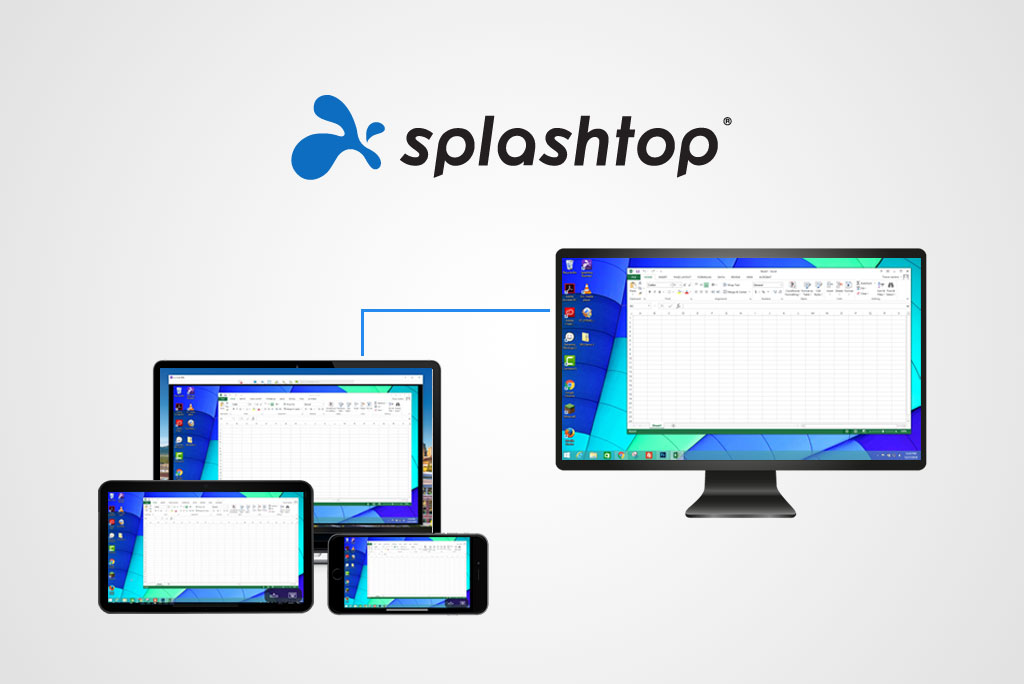
Remote Access vs Remote Support: Which Does Your Business Need?
Remote access and remote support are closely related technologies, but they solve different business problems.
Understanding the distinction can prevent an organisation from purchasing a product that does not match its actual requirements.
What Is Remote Access?
Remote access allows an authorised employee or user to connect to a computer from another location.
For example, an employee working from home can use a laptop to access an assigned office desktop.
The employee normally connects to the same computer repeatedly to access applications, files and computing resources.
Remote access is commonly used for:
- Hybrid work
- Working from home
- Business travel
- Accessing an office workstation
- Using specialised software remotely
- Business continuity

What Is Remote Support?
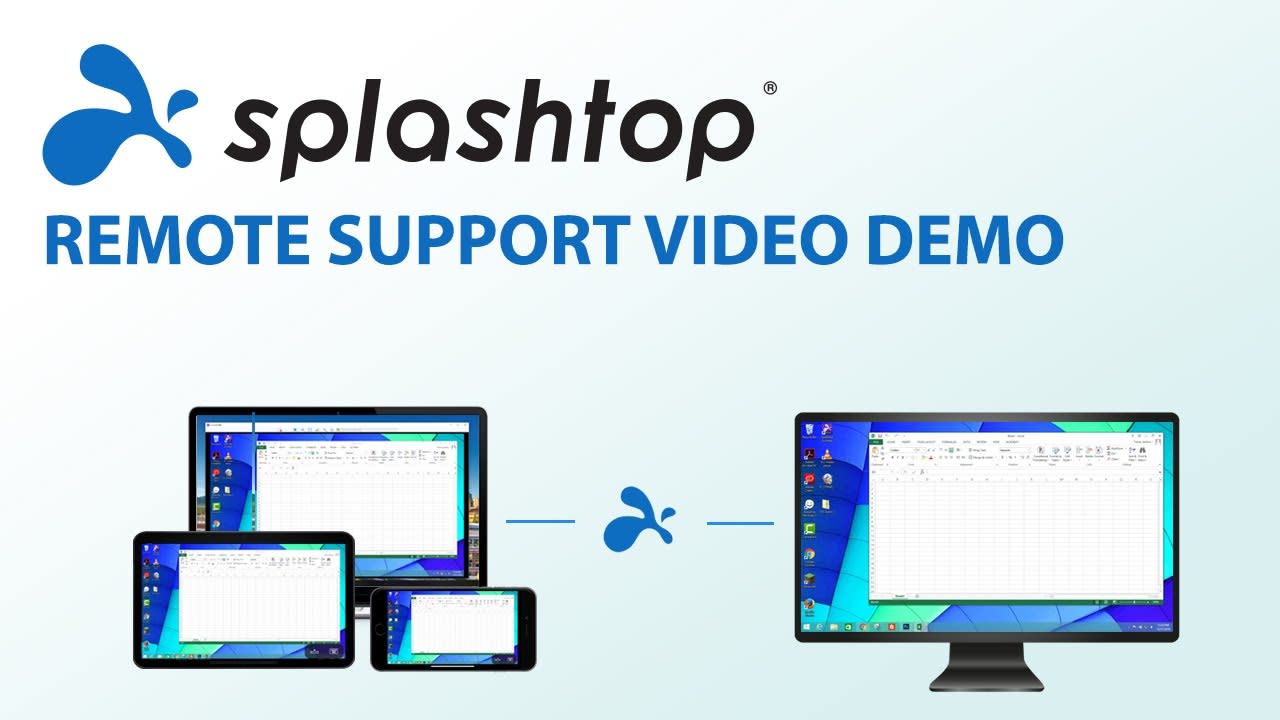
Remote support allows an IT technician to connect to another person’s computer or device to provide technical assistance.
The technician may support different users and devices throughout the day.
Remote support can be attended or unattended.
Attended support requires the user to initiate or approve the session. Unattended support allows an authorised technician to access a previously configured device without requiring someone to be present.
The Main Difference
The simplest distinction is the identity and purpose of the person connecting.
With remote access, an employee normally connects to their own assigned work computer.
With remote support, a technician connects to another person’s device to troubleshoot or manage it.
Comparison
Remote Access
Remote Support
Employees
IT Technicians
Business Owners
Help Desks
Hybrid Workers
Managed Service Providers
Travelling Professionals
Software Support Teams
Remote Creative Teams
Internal IT Departments
Can an Organisation Need Both?
Yes.
A company may need remote access for its employees and remote support for its IT team.
Splashtop Enterprise is designed for this situation because organisations can combine end-user access licences with technician support licences in one environment.
Which Splashtop Product Should You Choose?
Consider Splashtop Remote Access when employees mainly need to connect to assigned work computers.
Consider Splashtop Remote Support when technicians need to manage or troubleshoot multiple devices.
Consider Splashtop Enterprise when you need both capabilities together with SSO, granular permissions, centralised administration and advanced security controls.
Contact BINTARA for help selecting the right Splashtop solution.
