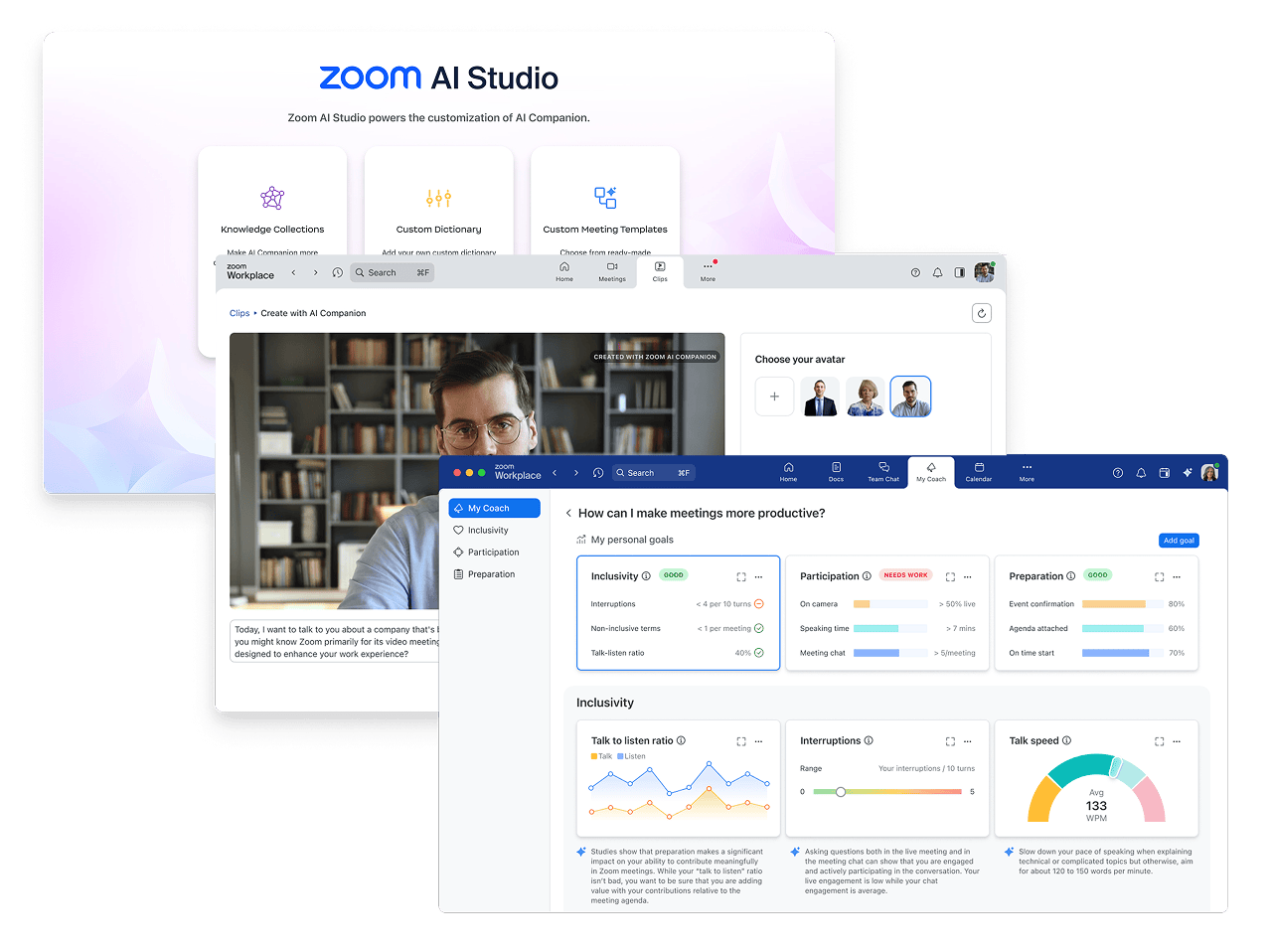
How Zoom AI Companion Can Make Meetings More Productive
A meeting may last one hour, but the administrative work can continue long after everyone leaves.
Employees often need to review notes, identify decisions, prepare follow-up messages and determine who is responsible for each action.
Zoom AI capabilities are designed to help users work with information from meetings and other parts of the Zoom Workplace environment. Availability depends on the plan, account configuration, region and administrator settings.

Generate Meeting Summaries
For eligible accounts, Zoom AI Companion can help produce meeting summaries.
This can reduce the need for one employee to spend the entire discussion manually documenting every point.
A meeting summary may help participants review:
Topics discussed
Important decisions
Key information
Follow-up actions
Areas requiring further discussion
AI-generated content should still be reviewed by a responsible employee before it is distributed or treated as an official record.
Ask Questions During a Meeting
Zoom’s in-meeting question capability can allow participants to ask questions based on the meeting’s real-time transcript.
This may help someone who joined late understand what was discussed or confirm whether a particular topic has already been covered.
Reduce Repetitive Follow-Up Work
Meeting productivity is not only about shortening the call. It is also about making sure decisions lead to action.
AI-assisted summaries can support employees who need to:
Prepare internal updates
Review customer requirements
Identify assigned actions
Confirm decisions
Create follow-up documents
Brief colleagues who could not attend
Support Better Meeting Habits
AI should not become an excuse to conduct unnecessary meetings.
Organisations should still use:
A defined meeting objective
A prepared agenda
Relevant participants
Clear decisions
Assigned responsibilities
Agreed deadlines
AI can support a well-managed meeting, but it cannot replace responsible facilitation.
Consider Privacy and Governance
Before enabling AI features, organisations should review:
Internal data policies
Meeting confidentiality
User permissions
Administrator controls
Recording and transcription requirements
Staff awareness
Regulatory obligations relevant to the organisation
The availability and behaviour of AI features may also depend on the account’s settings and assigned services.
Is Zoom AI Companion Available for Every User?
Not necessarily.
Some AI features are available with eligible paid Zoom services and may vary by plan, region, industry or administrative configuration. Organisations should verify eligibility before making purchasing decisions or promising specific capabilities to employees.
Explore Zoom AI Capabilities with BINTARA
BINTARA can help your organisation review its Zoom licensing requirements and identify which users may benefit from paid Zoom capabilities.
Contact BINTARA for a Zoom licence consultation and quotation.

