Docusign vs Manual Signatures: Which Is Better for Business?

Manual signatures remain familiar, but the surrounding process is often inefficient.

A document may need to be printed, delivered, signed, scanned, returned, checked and manually stored. When multiple signers are involved, employees may also need to track each person separately.

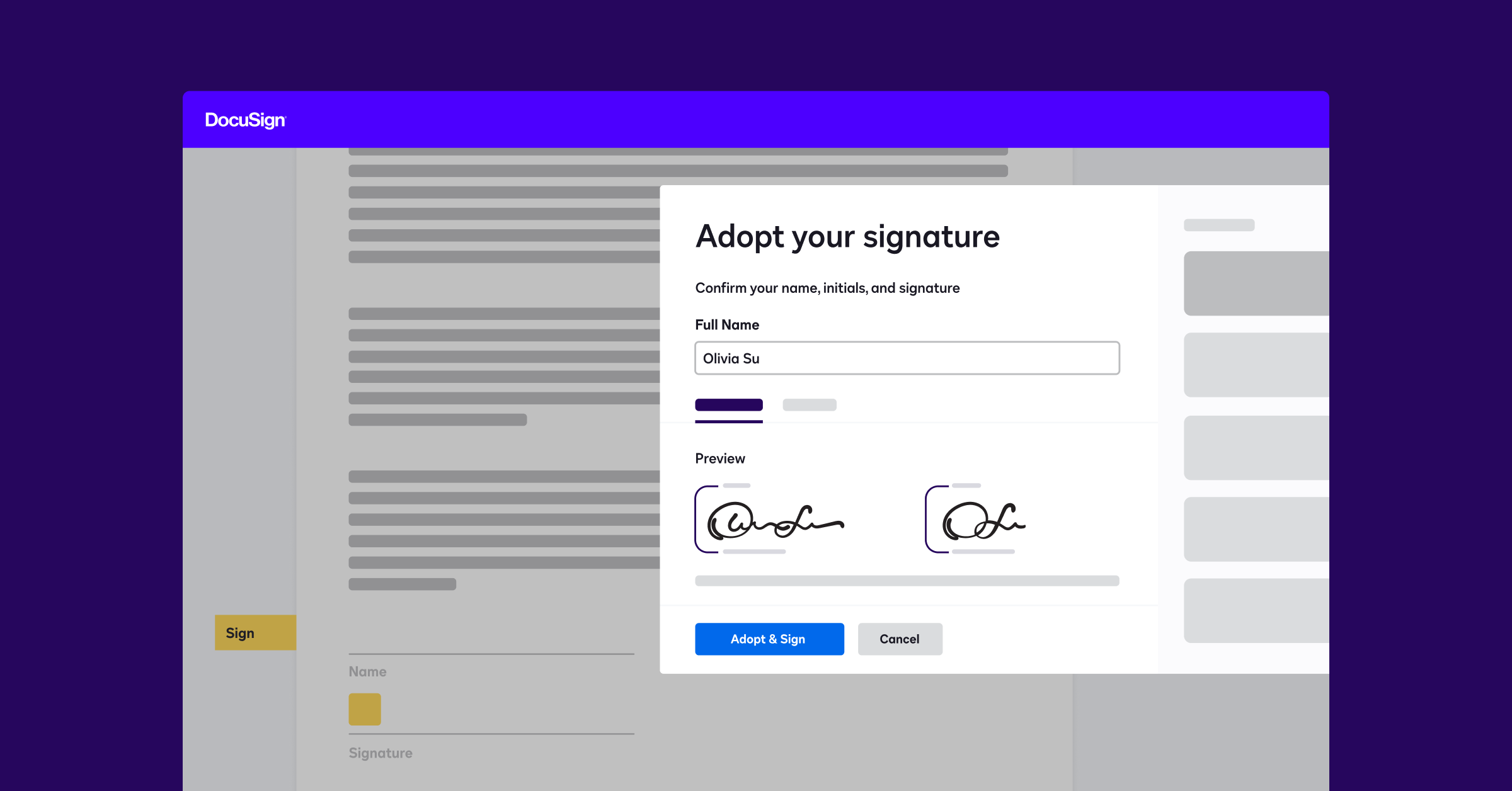
Docusign replaces many of these steps with an electronic workflow.

blog ui word streamline business processes

Process Comparison

Process AreaManual SignatureDocusign
Document deliveryEmail, courier or hand deliveryElectronic delivery
Signing locationOften office-dependentCompatible connected devices
Document preparationRepeated manual preparationReusable templates
Follow-upCalls and emailsAutomated reminders
Status visibilityManual checkingElectronic status tracking
StorageCabinets or shared foldersDigital records and connected repositories
Multiple signersSeparate coordinationConfigurable routing
IntegrationUsually disconnectedIntegrations and APIs available


Advantages of Docusign

Faster document circulation

Recipients do not need to wait for physical delivery or arrange an in-person signing appointment.

Better workflow visibility

The sender can see whether the envelope is awaiting action, completed or requires attention.

More consistent document preparation

Templates reduce the need to recreate frequently used documents and signature fields.

Easier remote collaboration

Customers, employees and suppliers can participate from different locations.

Reduced manual follow-up

Automated reminders can prompt recipients without requiring an employee to send repeated emails.

Stronger process controls

Docusign provides encryption, tamper-evident documents and signer authentication options.

When Might Manual Signing Still Be Required?

Manual signatures may remain necessary when:

  • A law requires physical execution
  • Wet signatures are specifically requested
  • Witnesses must be physically present
  • The receiving organisation does not accept electronic signatures
  • The process involves documents excluded from electronic execution
  • Connectivity or accessibility limitations prevent electronic completion

Electronic Signing Is a Process Improvement Project

Simply replacing a pen with an electronic signature field will not resolve every problem.

Organisations should also examine:

  • Who prepares the document
  • Who approves the terms
  • Who sends it
  • Who signs it
  • Where the completed document is stored
  • How renewal or expiry is monitored

Docusign provides the greatest value when it is incorporated into a clearly designed agreement workflow.

Conclusion

Manual signing may remain appropriate for certain transactions, but Docusign offers a more efficient approach for many recurring business agreements.

BINTARA can help evaluate your current signing process and recommend an appropriate Docusign solution.