How to Choose the Right Logitech Video Conferencing System

Selecting a video conferencing system based only on price can result in poor camera coverage, weak audio or unnecessary equipment.

The better approach is to match the solution to the physical room, number of participants and preferred meeting platform.

Step 1: Identify your room size

Huddle rooms

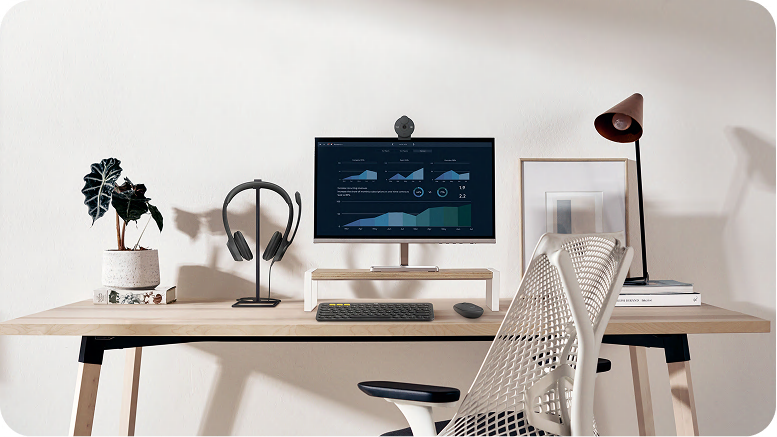
Huddle rooms usually accommodate small teams and short discussions.

Potential Logitech options include MeetUp 2 and Rally Bar Huddle. MeetUp 2 is designed for small USB-based meeting rooms, while Rally Bar Huddle provides an all-in-one video bar option for huddle spaces.

Small and medium rooms

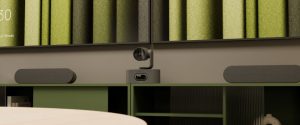
Rally Bar Mini is designed for small and medium meeting rooms. It provides integrated camera, audio and intelligent meeting capabilities in a single unit.
Medium and large rooms

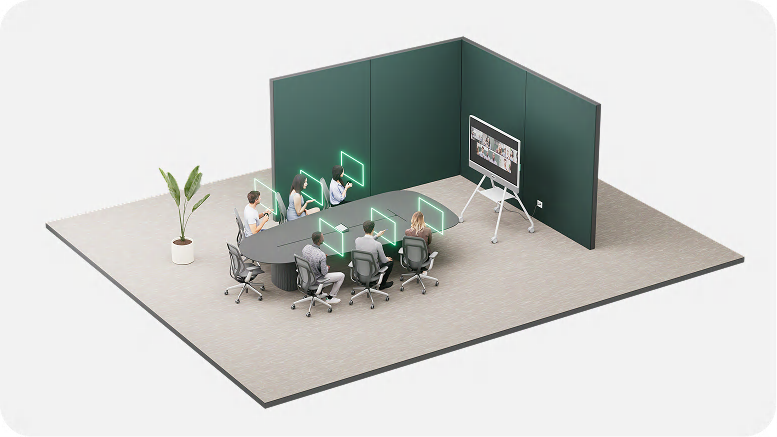
Rally Bar offers a higher-capacity all-in-one system for medium and large rooms. Additional microphone pods can be deployed when the room is longer or participants sit farther from the front-of-room device.

Large and extra-large rooms

Rally Plus uses a modular design, making it suitable for large spaces where cameras, speakers and microphones may need to be positioned separately.
Step 2: Choose your meeting platform

Determine whether the room will primarily use:

  • Microsoft Teams Rooms
  • Zoom Rooms
  • Google Meet
  • A dedicated room computer
  • User laptops through BYOD

This decision can affect the room controller, compute architecture and required licensing.

Step 3: Evaluate the room layout

Two rooms with the same number of seats may require different systems.

Consider:

  • Distance between the camera and participants
  • Length and shape of the table
  • Position of the display
  • Glass walls and acoustic reflections
  • Lighting behind participants
  • Availability of power and network points

Step 4: Decide whether you need a touch controller

A room controller such as Logitech Tap IP can provide a more consistent experience than requiring users to operate meetings from a keyboard and mouse.

Tap IP uses a network connection and Power over Ethernet, helping installers keep the meeting table organised.

Step 5: Plan for management and support

For larger deployments, IT teams should consider remote monitoring, firmware updates, room status and device inventory.

Logitech Sync allows supported devices and spaces to be monitored and managed through a cloud-based platform.

Get a professional recommendation

Not sure which model fits your room? Send BINTARA your room dimensions, seating capacity and platform preference.