
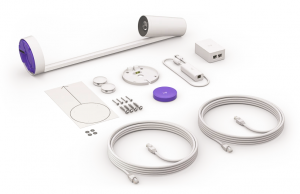
Effortlessly share whiteboards into video meetings with Logitech Scribe, an AI-powered whiteboard camera for Microsoft Teams® Rooms, Zoom Rooms™, and other leading video conferencing services.
Designed for whiteboard sharing in the modern workplace, Logitech Scribe broadcasts content on dry erase boards into video meetings with outstanding clarity. Now, even remote participants can have the best seat at the table.
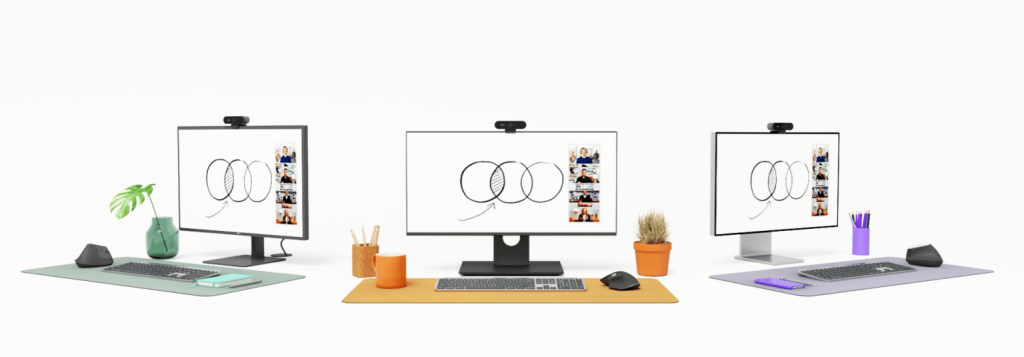
Presenter Removal
Scribe’s built-in AI delivers a transparency effect, allowing participants to see “through” the presenter for an unobstructed view of the whiteboard.
Content Enhancement
Scribe automatically enhances the color and contrast of dry erase markers, making text and sketches easier to read.
Sticky Note Detection
Scribe uses image segmentation to recognize and show other forms of content like sticky notes.
DIMENSIONS
Camera
- Height: 149 mm
- Width: 119 mm
- Depth: 573 mm
- Weight: 1.1 kgShare Button
- Height: 12.7 mm
- Diameter: 71.8 mm
- Weight: 108 g
Power Injector
- Height: 91 mm
- Width: 60.2 mm
- Depth: 36.3 mm
Dongle Transceiver
- Height: 22.5 mm
- Width: 31 mm
- Depth: 83.7 mm
- Cable length: 500 mm
Included Cabling (x2)
- Length: 5 m
SYSTEM REQUIREMENTS
Whiteboard
- Maximum Whiteboard Dimensions
- Height: 1.2 m
- Width: 1.8 m
Customer-Supplied Cabling
- Cable Type: Cat5e or higher [up to 35 meters in total length]
TECHNICAL SPECIFICATIONS
Certifications & Compatibility
- Integrates with Microsoft Teams Rooms on Windows® and with Zoom Rooms as a whiteboard content camera.
- See www.logitech.com/support/scribe-compatibility for pending and granted certifications and compatibility updates.
- Compatible with virtually any video conferencing application as a USB-connected camera.
Camera
- Output Resolution: 1080p at 15 fps
- Built-In AI: Broadcasts AI-enhanced image stream into video meetings
Share Button
- Power: 2 x CR2032 battery
- Adhesive-backed mounting
- Share button support may vary by video conferencing service provider.
- See www.logitech.com/support/scribe-compatibility for latest information.
Interfaces
- Camera: Category Cable Port
- Share Button: Bluetooth® Low Energy
Power & Cables
- Power supply: 100-240V auto-switching power supply with international adaptor set
- Cable Type: Cat5e SF/UTP AWG26 or higher
Environmental
- Operating Temperature: 0 to 40°C
- Storage Temperature: -40-70°C
- Humidity: 10-95%
Security
- Full Disk Encryption: AES-128
Device Management
- Logitech Sync
- Maximum Whiteboard Dimensions
Purpose-Built for Room Solutions
Scribe integrates with leading video conferencing room solutions, including Microsoft Teams Rooms and Zoom Rooms. Simply join the meeting and start sharing.


ACCESSORIES
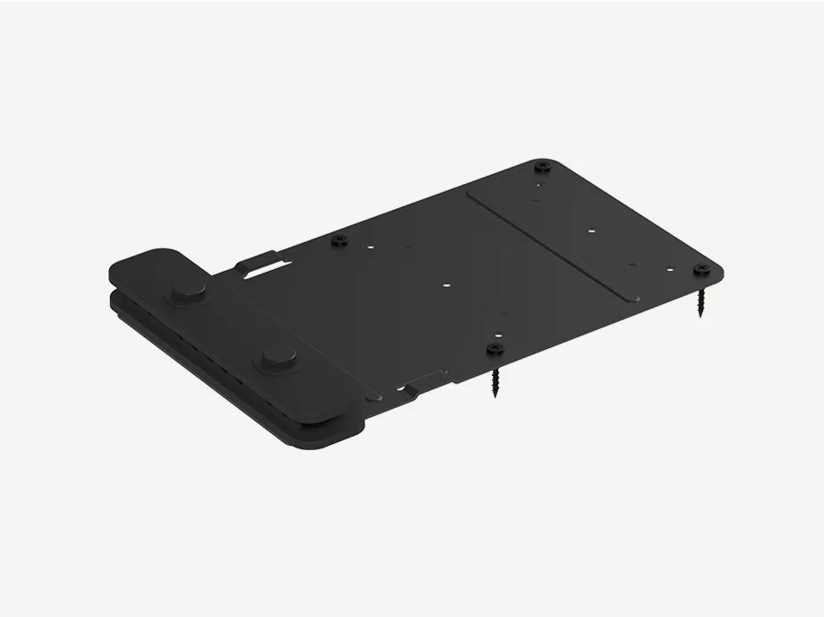
PC Mount
Secures the supplied PC to a wall or beneath a table, and includes a cable retention bracket to keep USB, HDMI, power, and network cables tight and secure. Included with all room solutions.
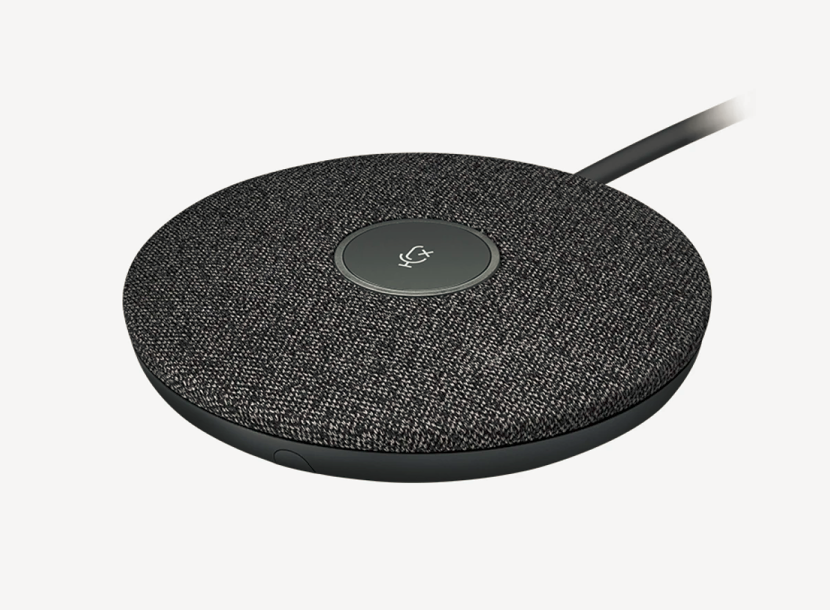
Rally Mic Pod
Expand audio coverage and provide convenient access to mute controls.
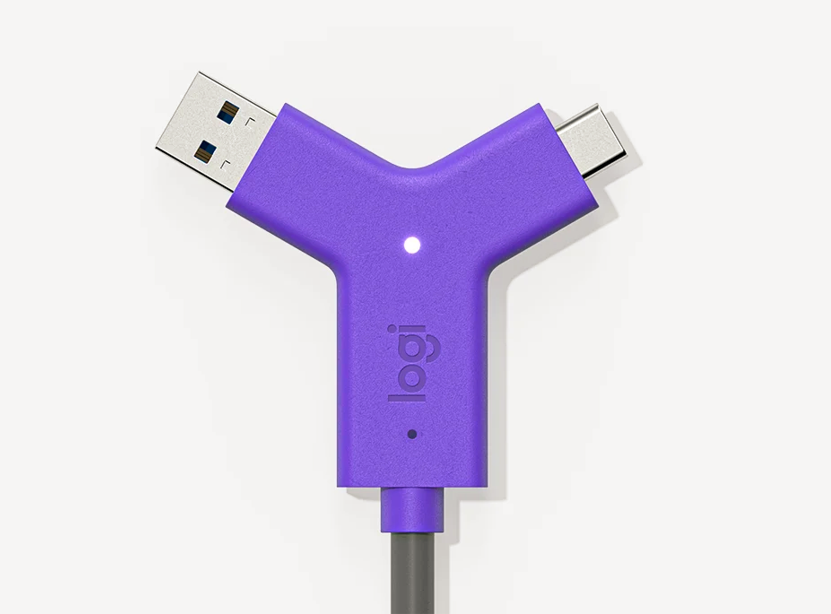
Adds the ability to use the AV equipment in Microsoft Teams Rooms with any video conferencing software, webinar platform, or streaming service.
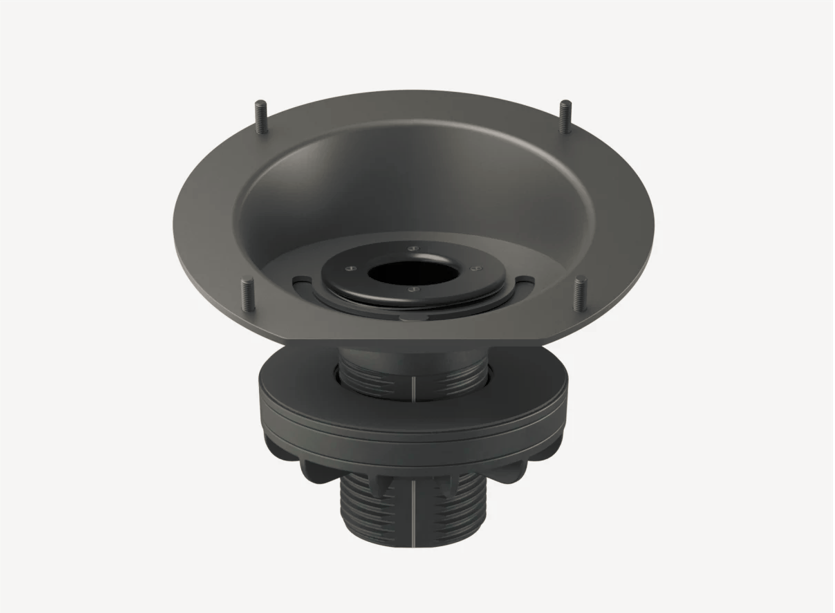
Riser Mount
Secures Tap to a grommet and raises the viewing angle to 30° for better visibility from across the room.
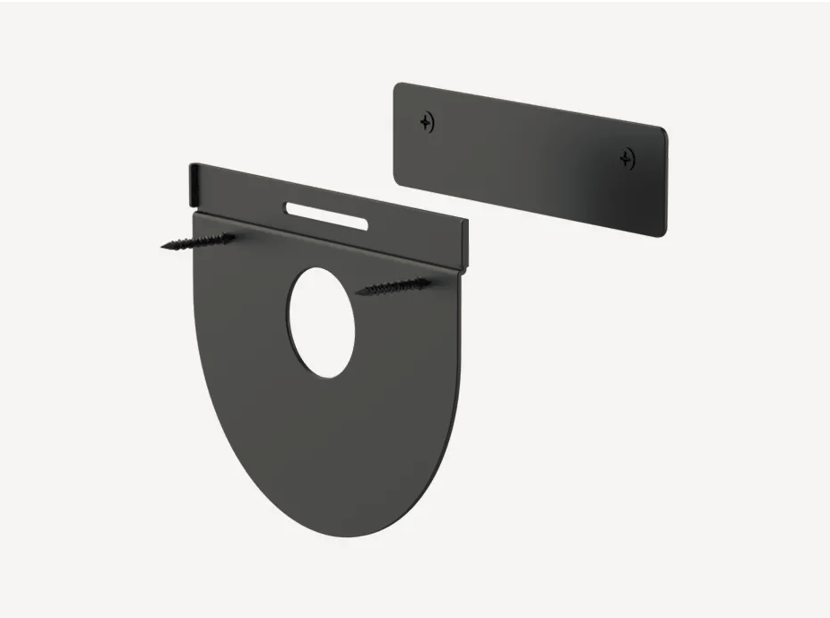
Wall Mount
Conserves table space by mounting Tap flush to the wall with a sturdy plate and cleat design.
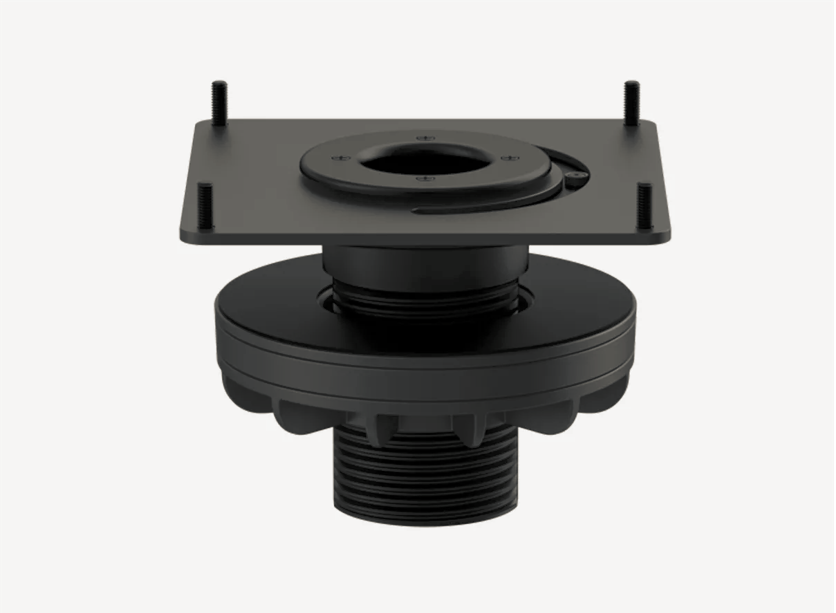
Table Mount
Secures Tap to a grommet while maintaining a low profile. Swivels 180° for convenient operation from both sides of the table.
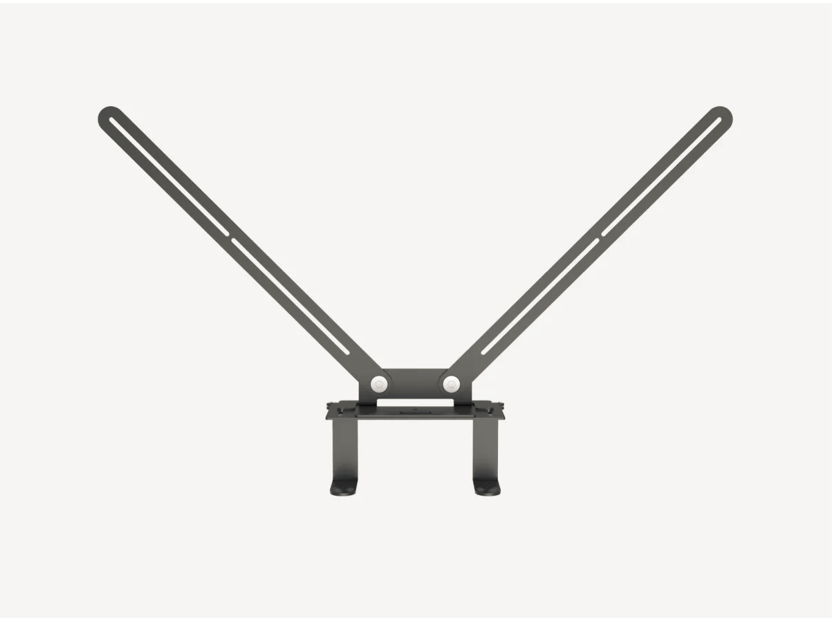
TV Mount for Video Bars
Securely mount your video bar above or below a TV or Monitor.
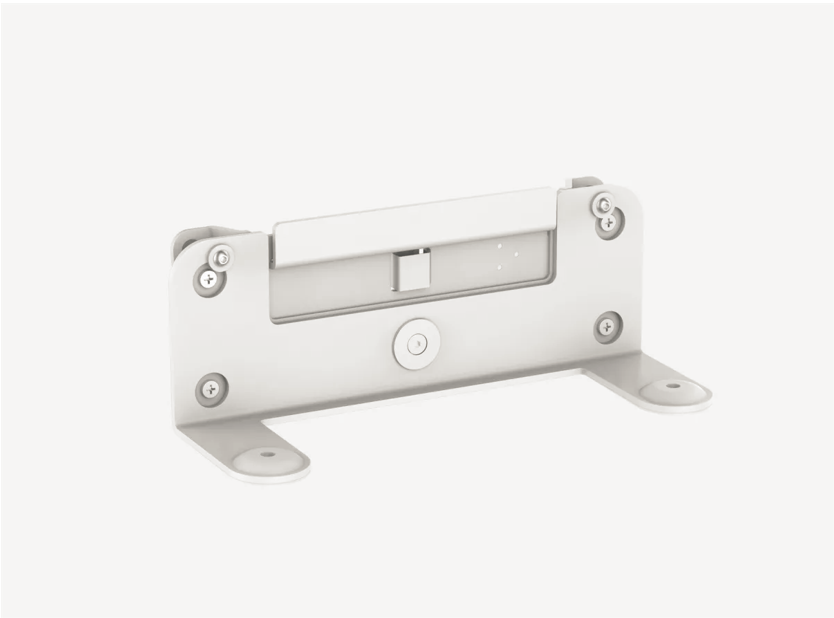
Wall Mount for video Bars
Neatly and confidently secure your video bar on the wall for minimal footprint.
Find out more about Logitech pricing and plans by drop us an email at info@bintara.com.my or contact us here